Product
Swifbit 1.2: From Answers to Knowledge Operations
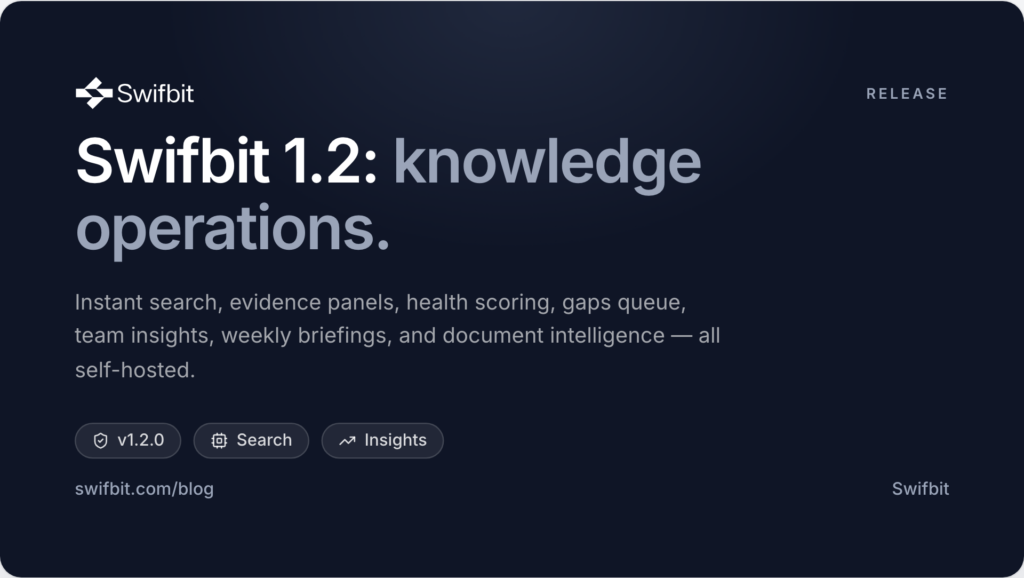
Today we are shipping Swifbit 1.2 — our biggest release since Enterprise GA. Until now, Swifbit has been known for two workflows: Ask, which answers questions from your own knowledge with citations and confidence, and Assist, which drafts ready-to-send replies from the same governed evidence. With 1.2, the platform grows around them into something larger: a complete system for operating organizational knowledge — finding it instantly, understanding how it flows, seeing where it is weak, and improving it every week.
Here is everything that is new, and the thinking behind it.
Instant Search: evidence at the speed of typing
Sometimes you do not want a synthesized answer — you want the source itself, now. The new Search surface runs the same hybrid retrieval engine that powers Ask (semantic similarity fused with keyword matching, permissions enforced inside the query) but returns ranked evidence directly, with zero AI latency.
- Evidence snippets with your query terms highlighted
- A relevance meter on every result, scored against the best match
- Source, connector, and last-updated stamp so you can judge freshness at a glance
- One click hands the query to Ask when you do want a synthesized, cited answer
Because it is the same permission-aware retrieval, a restricted document can never appear in someone’s results — search respects team access exactly the way answers do.
The evidence panel: open the glass box
Citations have always been Swifbit’s trust signal. In 1.2 we went a step further: every answer now carries an Evidence toggle that reveals the exact retrieved passages behind each citation, along with a per-source relevance score. When an agent, an auditor, or a sceptical executive asks “why did it say that?”, the answer is one click away — not a shrug.
We do not ask you to trust the answer. We show you the evidence and let you verify it in seconds.
Suggested follow-ups
After each answer, Swifbit now proposes up to three follow-up questions — generated only from the knowledge that is actually available, so they lead somewhere useful rather than to a dead end. It is a small feature with an outsized effect: exploration of the knowledge base becomes conversational instead of guess-driven.
Knowledge Health Score: one number operators can act on
Knowledge bases do not fail loudly; they decay quietly. The new Knowledge Health Score puts a weighted 0–100 number at the top of the Overview, combining four operational signals:
| Component | What it measures | Weight |
|---|---|---|
| Index coverage | Share of content chunks with embeddings | 35% |
| Sync health | Sources without errors | 25% |
| Reviewed | Documents in the approved state | 20% |
| Freshness | Sources synced within the last 7 days | 20% |
Each component has its own bar, so when the score dips you can see exactly which lever to pull — re-run a failed sync, review pending drafts, or refresh a stale source.
The knowledge gaps queue
Every low-evidence answer and every thumbs-down is a signal that knowledge is missing or wrong. Swifbit 1.2 aggregates those signals into a ranked gaps queue: repeated questions are grouped with hit counts, negative feedback is badged, and each gap links to the conversation where it happened. “The AI didn’t know” stops being an anecdote and becomes a prioritized work queue for your documentation team.
Team Insights: see where knowledge actually flows
The new Insights page answers the questions leadership actually asks: What is the team asking most? Which documents carry the load? Which sources earn their keep? Who has adopted the tool? Trending questions, most-cited documents, citations by source, and member activity — all clickable, all permission-scoped.
Weekly briefing: the platform reports to you
The Overview now opens with a short AI-written briefing of the week — new and updated documents, question volume, gaps, and feedback — generated strictly from workspace statistics and cached once per day. It is the difference between a tool you check and a system that keeps you informed.
Document intelligence
Every document in the knowledge library gains two aids: Summarize with AI, which produces a TL;DR and key bullets from the document alone, and Related documents, which ranks the most semantically similar documents in your accessible knowledge. Long SOPs become scannable, and adjacent policies are always one click away.
A guided tour, and a dozen refinements
New users get an eight-step spotlight tour across every surface — skippable, restartable from the sidebar help button. Beyond that: administrators can open any conversation from the Activity feed for audit and coaching (members remain limited to their own), activity entries link straight into conversations, the quick-ask floater is available everywhere, and the Overview panels share a cleaner, consistent layout.
Still self-hosted. Still yours.
Nothing about the deployment story changed: Swifbit runs entirely inside your infrastructure, works with local models through Ollama or any OpenAI-compatible or Vertex AI endpoint, and never ships your knowledge to a vendor cloud. Every new feature in 1.2 — search, insights, briefings, summaries — runs on the same governed, permission-aware retrieval core inside your perimeter.
Swifbit 1.2 is available now. If you would like to see it on your own knowledge, request a demo — or read the full release notes in the changelog.
Comments
Loading comments…